
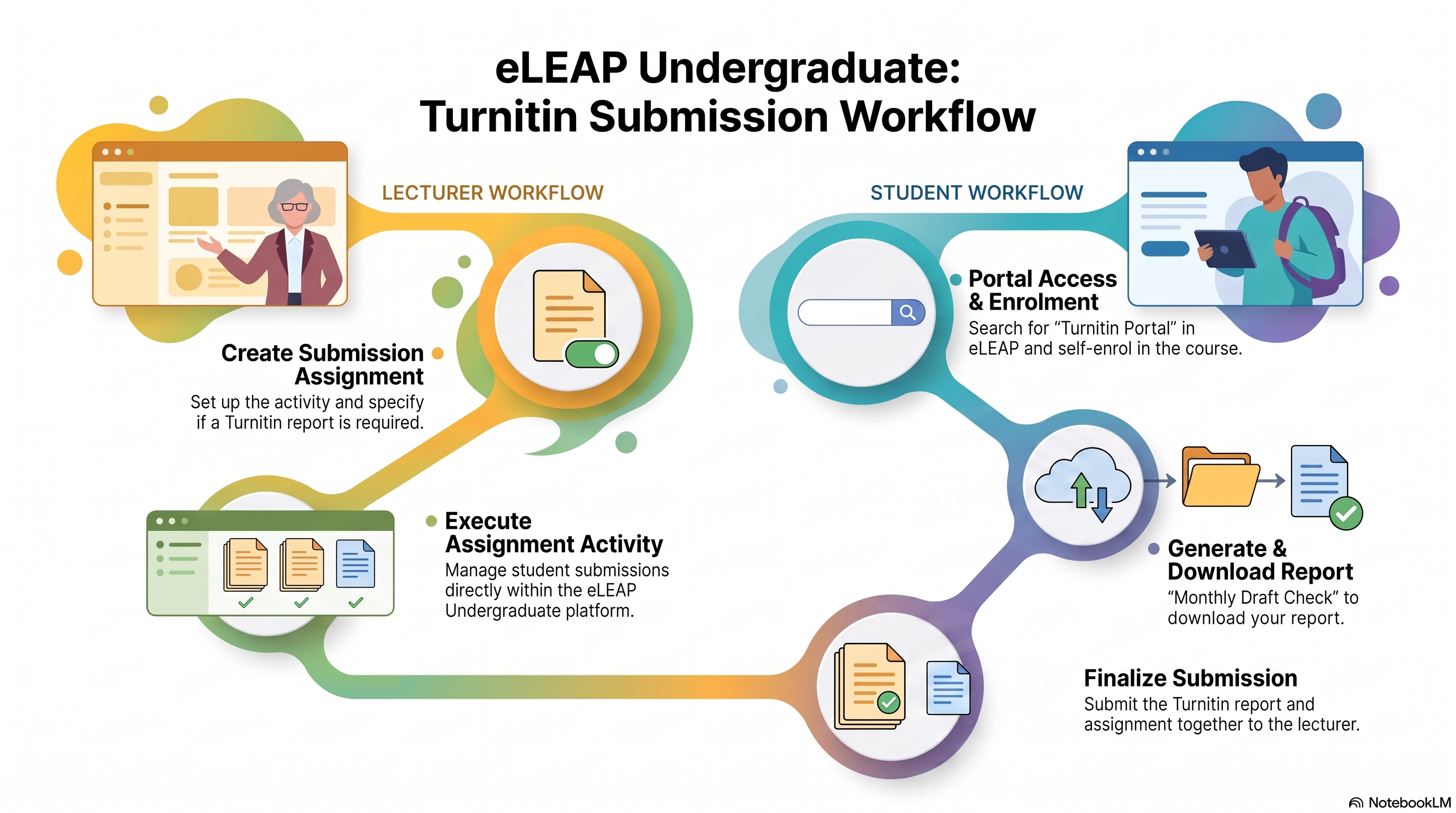
There is a standardized and centralized Turnitin Submission Workflow on the eLEAP platform. This process establishes a clear submission path for managing student assignment activity and plagiarism checks.
This also means that CFLEX will turn off the use of the Turnitin Assignment Submission plugin.
💡Lecturer Responsibilities
- Create Submission Assignment: When setting up an assignment submission activity within eLEAP, state clearly if you require a Turnitin report.
- Setup Assignment Activity: Manage student submissions directly within your eLEAP course.
🎯Student Workflow Summary
Students will generate and present their Turnitin reports through the following process:
- Portal Access & Enrolment: Students search for "Turnitin Portal" in eLEAP and self-enrol to the portal.
- Generate & Download Report: They upload their document to "Monthly Draft Check" to generate and download their Turnitin report.
- Finalize Submission: Students submit both their Turnitin report and assignment document together to you on eLEAP.
Thank you and have a productive day ahead.